 Skip to content
What do you need help with?
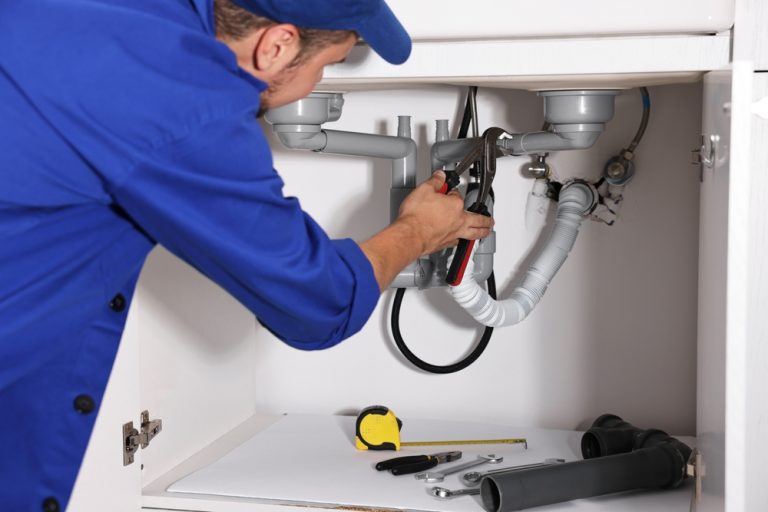
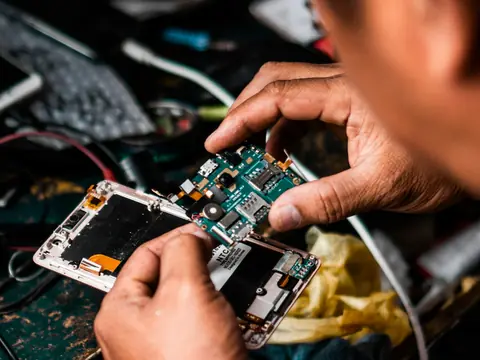
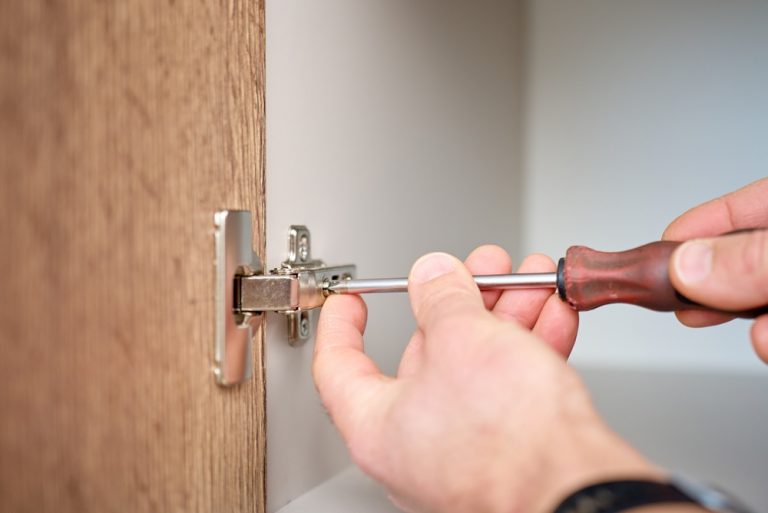
Tap a picture to ask local professionals for help.









Just searching?
Check professionals near you.
Already have an AskPerTask account? Use the same email and password here.
Log in
Install AskPerTask
Keep AskPerTask one tap away — requests, messages and local help, full screen.
- Tap the Share button (the square with an arrow pointing up). In Safari on newer iPhones it is in the ••• menu next to the address bar.
- Choose “Add to Home Screen”, then tap “Add”.
- Open AskPerTask from its icon on your Home Screen.
- In Safari’s menu bar, choose File → Add to Dock.
- Click “Add”. AskPerTask opens from the Dock in its own window.