


What do you need help with?
Choose a category and tell local people what you need. It is free to post.
-
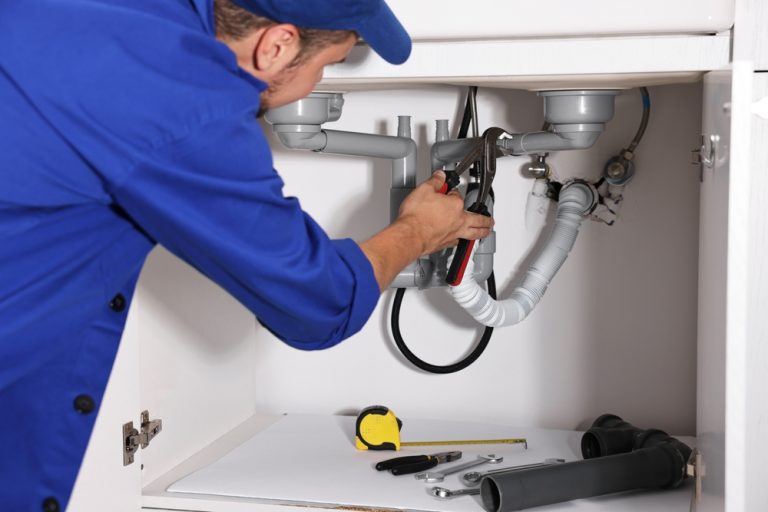 Home & Repairs
Plumbing, electrics, fixes
Home & Repairs
Plumbing, electrics, fixes
-
 Garden & Outdoor
Lawns, fencing, trees
Garden & Outdoor
Lawns, fencing, trees
-
 Vehicles
Repairs, MOT, valeting
Vehicles
Repairs, MOT, valeting
-
 Childcare & Family
Babysitting, school runs
Childcare & Family
Babysitting, school runs
-
 Beauty, Hair & Wellness
Hair, nails, massage
Beauty, Hair & Wellness
Hair, nails, massage
-
 Business Services
Bookkeeping, admin, design
Business Services
Bookkeeping, admin, design
-
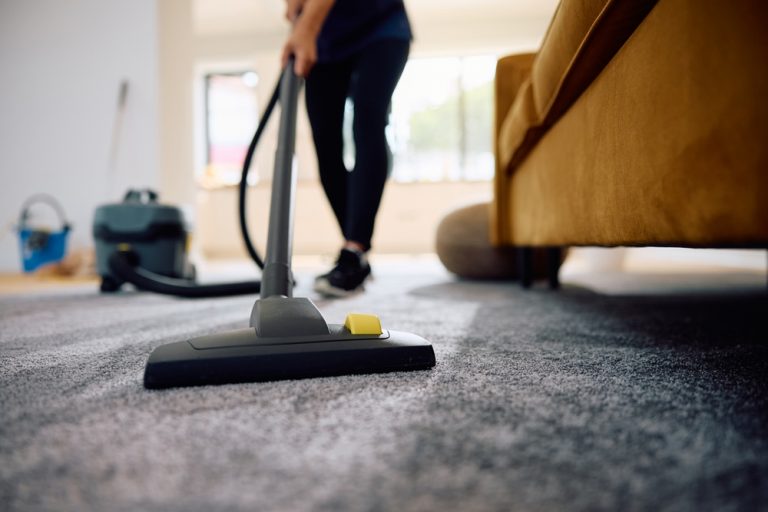 Cleaning & Housekeeping
Regular, deep, end of tenancy
Cleaning & Housekeeping
Regular, deep, end of tenancy
-
 Events & Occasions
Parties, photos, DJs
Events & Occasions
Parties, photos, DJs
-
 Moving & Transport
Moves, man and van
Moving & Transport
Moves, man and van
-
 Pets & Animal Care
Walking, sitting, grooming
Pets & Animal Care
Walking, sitting, grooming
-
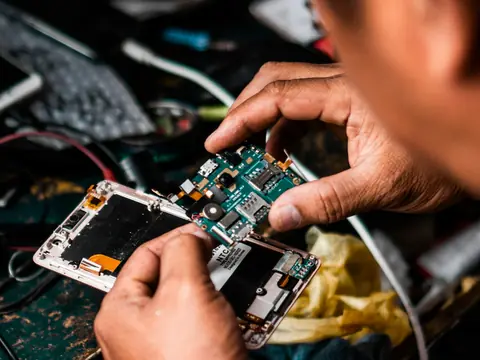 Tech & Devices
PC, phones, setup
Tech & Devices
PC, phones, setup
-
 Other
Not listed here
Other
Not listed here
Just searching?
Check professionals near you.
See who can help near you Find local professionals on the map Explore local map
Install AskPerTask
Keep AskPerTask one tap away — requests, messages and local help, full screen.
-

1 Tap at the bottom right of Safari, then Share.
-

2 Tap View More, then Add to Home Screen.
-

3 Keep Open as Web App on and tap Add. Open AskPerTask from your Home Screen.
- Screens from Safari on iOS 26. On older iPhones the Share button is in the toolbar and Add to Home Screen is further down the list.
1 Tap Share in the address bar (or in the browser menu).
2 Tap Add to Home Screen (tap View More if you do not see it).
3 Tap Add, then open AskPerTask from your Home Screen.
-
1 Tap the menu at the top right of Chrome. Tap the menu at the bottom right of Samsung Internet. Tap the menu in Firefox.
-
2 Tap Add to Home screen (or Install app). Tap Add page to, then Home screen. Tap Add app to Home screen (or Install).
3 Tap Install (or Add). AskPerTask appears with your other apps.
This app’s built-in browser cannot install AskPerTask. Open this page in Safari (iPhone) or Chrome (Android) first:
Tap the menu and choose Open in browser (or Open in Safari), or copy the link below and paste it there.
1 In Safari’s menu bar, choose File → Add to Dock.
2 Click Add. AskPerTask opens from the Dock in its own window.