Price on requestMessage the provider with your details for a quote.
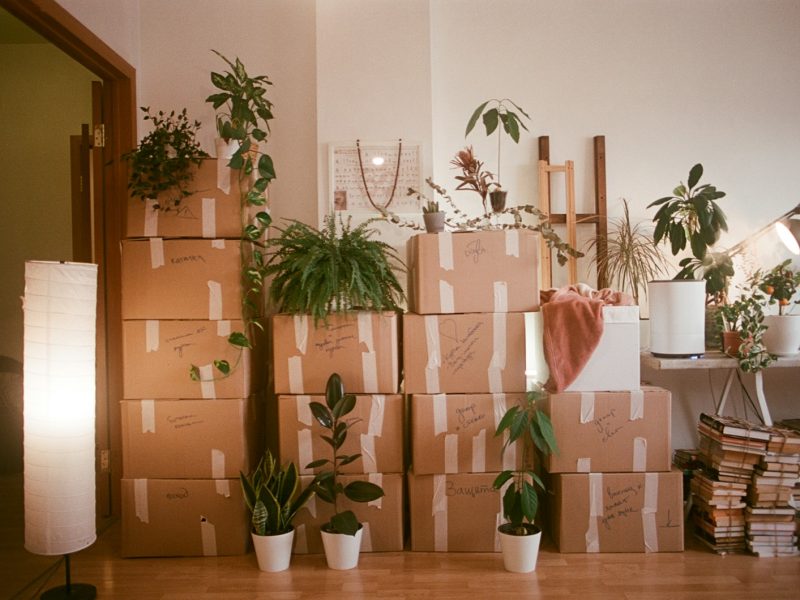
Clearing unwanted items and bulky waste from houses, flats and other properties, whether after a move, a tenancy or a bereavement.
What’s included:
• Removal of furniture, household items and bulky waste
• Sorting items so that whatever can be is recycled or donated to charity
• Leaving the rooms empty and ready for the next step
Tell us the size of the property and roughly what needs to go, and we will get back to you with a quote.

Keep AskPerTask one tap away — requests, messages and local help, full screen.

1 Tap at the bottom right of Safari, then Share.

2 Tap View More, then Add to Home Screen.

3 Keep Open as Web App on and tap Add. Open AskPerTask from your Home Screen.
1 Tap Share in the address bar (or in the browser menu).
2 Tap Add to Home Screen (tap View More if you do not see it).
3 Tap Add, then open AskPerTask from your Home Screen.
1 Tap the menu at the top right of Chrome. Tap the menu at the bottom right of Samsung Internet. Tap the menu in Firefox.
2 Tap Add to Home screen (or Install app). Tap Add page to, then Home screen. Tap Add app to Home screen (or Install).
3 Tap Install (or Add). AskPerTask appears with your other apps.
This app’s built-in browser cannot install AskPerTask. Open this page in Safari (iPhone) or Chrome (Android) first:
Tap the menu and choose Open in browser (or Open in Safari), or copy the link below and paste it there.
1 In Safari’s menu bar, choose File → Add to Dock.
2 Click Add. AskPerTask opens from the Dock in its own window.